Forge Browser 1.1.5 is now available for Windows
The free Windows browser adds optional AI connections, more ways to personalise browsing and a new update service.
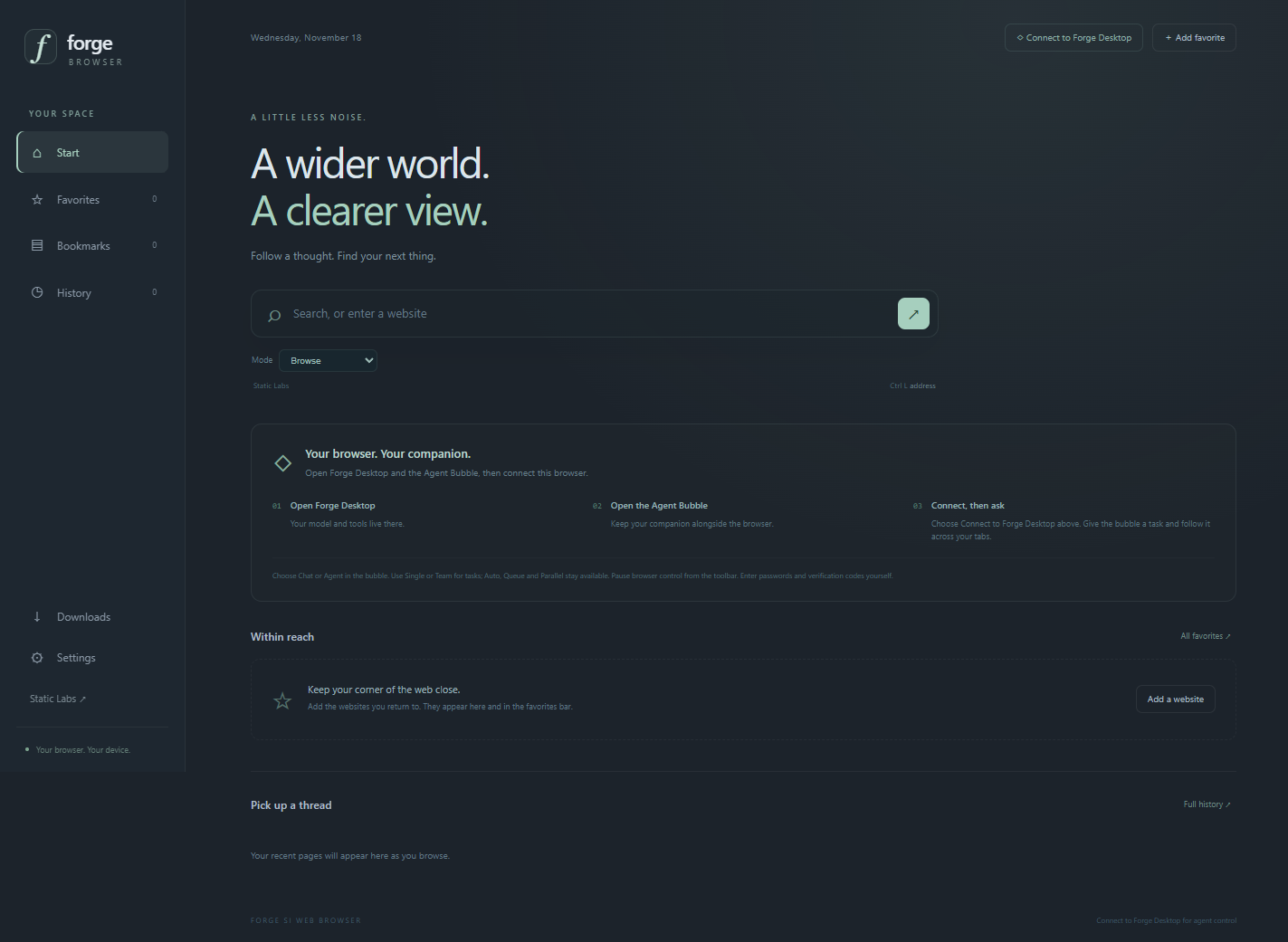
Forge Browser 1.1.5 is now available from Forge and Static Labs. The release adds more choice over search, appearance and AI, alongside new controls for keeping the browser up to date.
Choose how you browse
Set your own homepage and search engine, keep favourite sites on the bookmarks bar and return to pages through searchable history. Downloads are easier to follow, and frequently used websites can be opened in their own app windows.
The browser also offers six accent colours, with light, dark grey and system appearance settings.
Optional AI connections
Chat can use a local model downloaded to your PC or connect to Forge Desktop API, OpenAI, OpenRouter and compatible services. AI is optional; a model download is not required for browsing.
People using an API can add their own key in Chat settings and remove it with Clear API key. Separate provider charges may apply.
Updates through the browser
The new update service checks for future releases. You can choose to install updates automatically when the browser closes, or manage them yourself in Settings.
Existing users need to install this version once to receive the new update controls.
Download Forge Browser for Windows →
Browser setup and compatibility →