Android apps come to Forge on Windows
Install compatible Android apps and open them alongside your other applications in Forge.
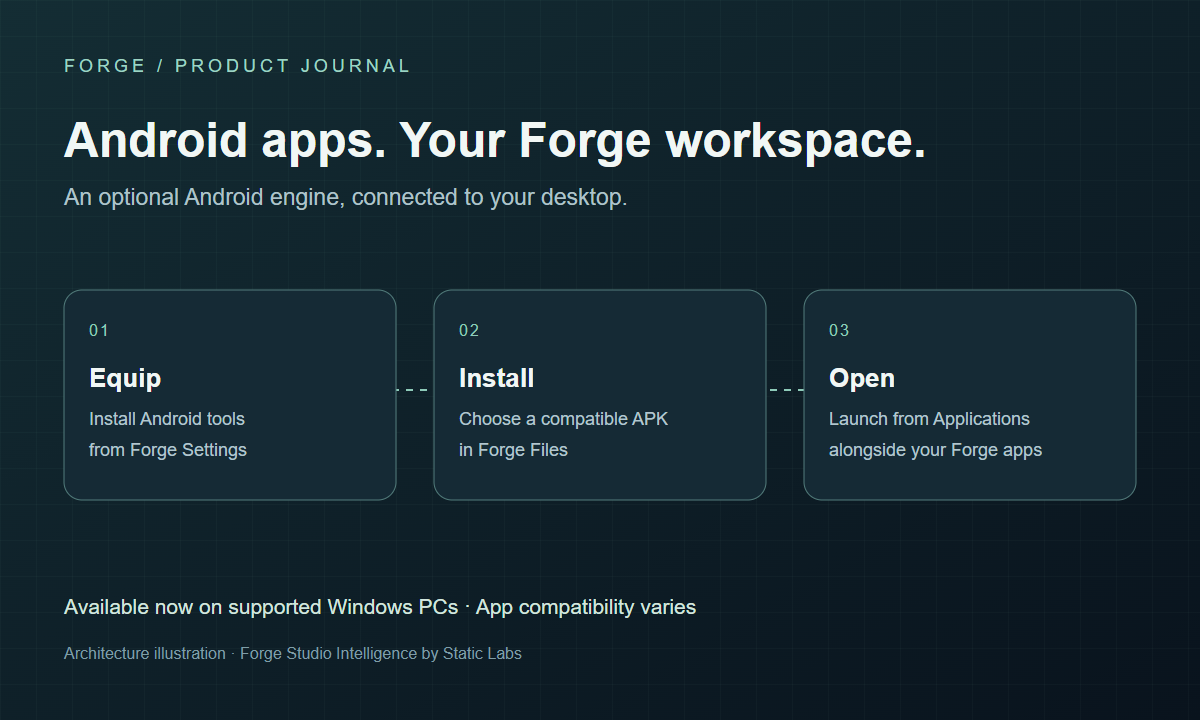
Forge now supports compatible Android applications on Windows, giving people another way to use their everyday tools within the desktop workspace.
Android apps appear in Applications alongside Forge apps. Once installed, they can be opened and used directly; Chat is not required.
Getting started
- In Forge, open Settings → Equip your workspace → Tools & downloads and install the optional Android tools.
- Complete the setup, then bring a compatible APK into Files.
- Review and install the APK. Open the app from Applications.
Check compatibility before installing
Android support is available in Forge SI Desktop and Forge Studio Intelligence Standard on compatible Windows PCs. Setup requires an internet connection, additional storage and Windows virtualisation support.
App compatibility varies. Some applications depend on particular hardware or Google services, and not every Android app will run. Download apps from publishers and sources you trust.
Read the Android installation guide →
Find your Forge edition →